Lesson 1
Startup + User Profiles
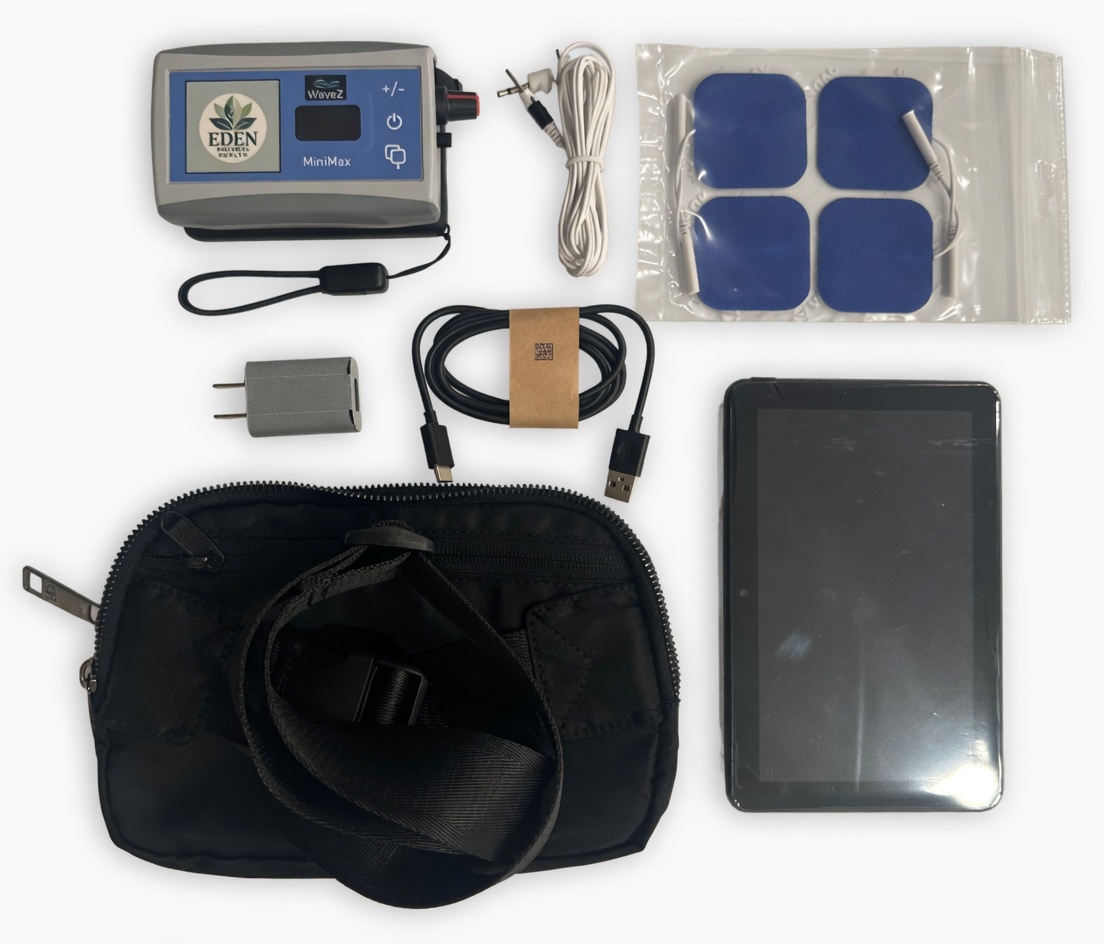
Power on MiniMax, open the WaveZ app, then configure User Runs and user names
so each participant has isolated run history.
Open illustrated procedure (PDF)
Lesson 2
Run Frequency Item
Confirm Bluetooth connection, select User, Group, and Sequence, then set
minutes and repeat count before pressing Play.
Open illustrated procedure (PDF)
Lesson 3
Run Frequency Family
Build treatment families by naming the family, adding sequences, setting time
and repeat values, and ordering entries with up/down controls.
Open illustrated procedure (PDF)
Lesson 4
Session Controls
Play starts a run, Pause resumes in place, Stop resets to start, and skip
controls jump to next frequency or next sequence.
Open illustrated procedure (PDF)
Lesson 5
Firmware + App Updates
Update the app over Wi-Fi, verify version after install, and use approved
firmware files for OTA updates from the main menu.
Open illustrated procedure (PDF)
Lesson 6
Pad Placement Principles
Learn placement by body region and understand square, rectangular, and small
round pad use cases while avoiding restricted zones.
Open illustrated procedure (PDF)